
Neospin Mobile App for Android and iOS Devices in Australia
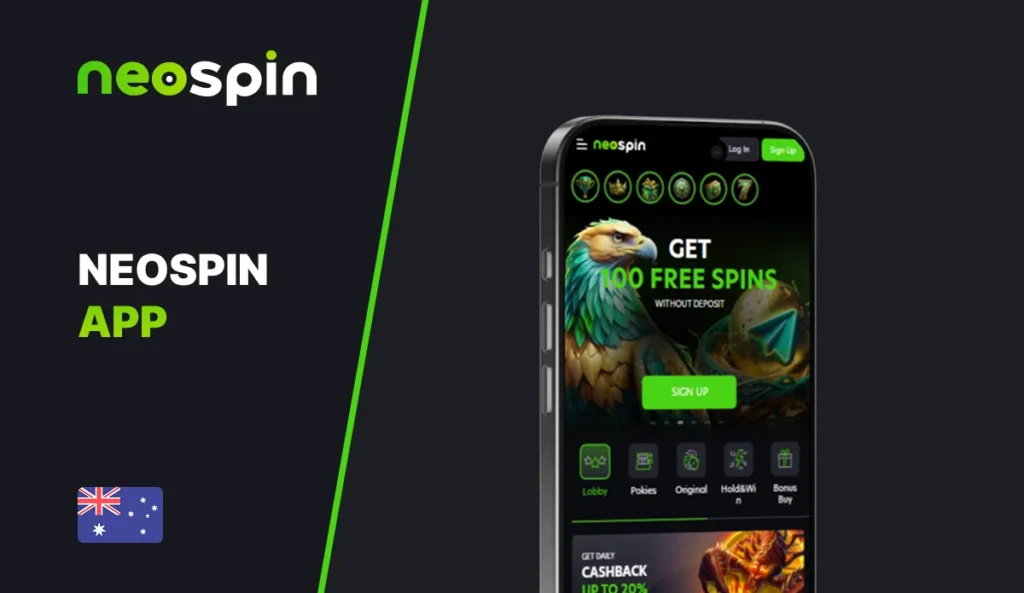
The Neospin Casino mobile app is a mobile-first web app that runs smoothly in your browser and can sit on your home screen like an app. You get the same account, cashier, promos and full games lobby you see on desktop – just in a format built for touch play.
What the Mobile App Includes for Real Money Players
We designed our mobile experience so you can play without hunting for downloads or dealing with heavy updates. You open Neospin in your mobile browser, then add it to your home screen. After that, it launches in a clean, app-like window and stays easy to use for quick sessions.
You still log in with your Neospin details, and you can also use two-factor authentication (2FA) for safer access.
Main Advantages and Possible Limitations of the App
| Point | What it means for your mobile play |
| Home-screen install | You can add Neospin to your home screen and open it like an app, without a classic store download. |
| Full platform access | You keep access to the lobby, live casino, promotions, tournaments, and account tools from the same profile. |
| Live casino works well on mobile | Our live lobby includes titles like Crazy Time and Sweet Bonanza Candyland, which are built for streaming play. |
| Security options | You can enable 2FA to protect your account when you log in from a new device. |
| Depends on the browser | Because this is a web app, the best experience comes from up-to-date Chrome (Android) or Safari (iOS). |
Complete Guide on How to Install the Neospin Mobile App
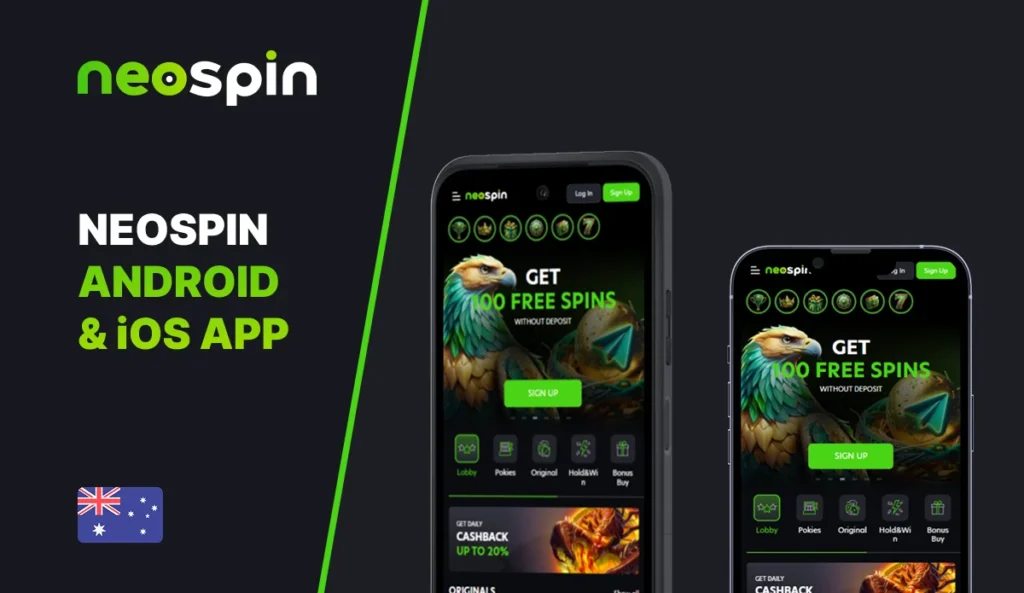
The Neospin Casino mobile app is a lightweight Progressive Web App (PWA), so you install it directly from our official website instead of downloading it from Google Play or the App Store. After installation, it works like a regular app: you get a home-screen icon, fast access to your account, and the same key features you use on desktop – login, cashier, promotions, games and withdrawals.
Use the right browser for a smooth Neospin Casino download. Chrome works best on Android because it supports the install prompt clearly. Safari works best on iPhone and iPad because iOS installs PWAs through the Share menu. The whole process usually takes a minute or two, and the app uses very little storage compared to classic native apps (often under 20 MB).
Install the Neospin App on Android Using Chrome Browser
- Open Neospin in Chrome.
- Tap the menu (three dots).
- Select Add to Home screen (or Install app, depending on your version).
- Confirm, then open Neospin from your new icon.
How to Install the App on iPhone and iPad Using Safari
- Open Neospin in Safari.
- Tap Share (the square with an arrow).
- Tap Add to Home Screen.
- Confirm, then launch the Neospin app from the home-screen icon.
Tip: if you do not see the “Add to Home Screen” option, update iOS/Safari and reload the page.
Ongoing Promotions Available on Neospin Mobile
On mobile, you claim bonuses the same way you do on desktop: open Promotions, pick an offer, and follow the on-screen steps. Promo amounts and packages can differ by page and region. Always rely on what you see inside your logged-in Promotions area and the specific bonus page you open. The Neospin mobile app is your gateway to smooth gaming and cool bonuses, including our A$500 first deposit bonus.
How to Navigate the Neospin Mobile Interface
We keep the mobile layout direct. You can reach the important sections with a few taps, not a long scroll. On our pages, you can see the core navigation items you’ll use most: Lobby, Live, Promotions, Tournaments, Loyalty Programme, and Lootboxes.
If you play on the go, here’s a simple flow that works:
- Use Lobby when you want pokies and quick sessions.
- Use Live when you want streamed tables and game shows.
- Use Promotions before you deposit, so you don’t miss an opt-in offer.
Casino Games Available to Play in the App Neospin
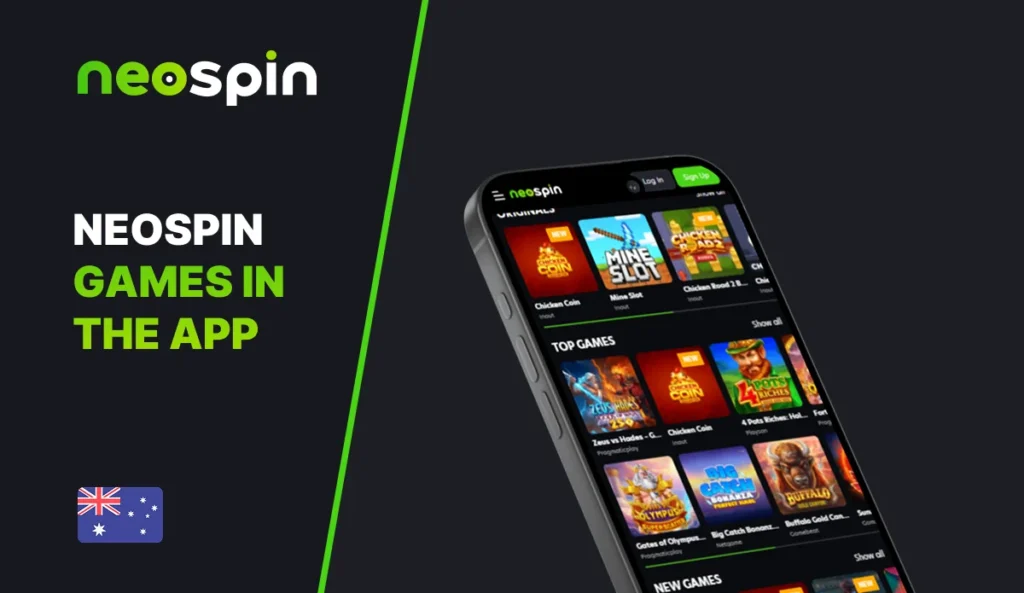
You get the full catalogue on mobile, including pokies, table games and live casino streams. We have a great selection, including 11,000+ pokies, blackjack and roulette varieties, plus craps and video poker, supported by 80+ providers, including live dealers from Evolution, Pragmatic Play, and Ezugi.
If you want names you can actually recognise, our live lobby lists titles like:
- Crazy Time
- Sweet Bonanza Candyland
These stream well on mobile when you have stable internet. They also work nicely for short sessions because rounds move on a clear timer.
In our lobby and categories, you can find slot titles such as:
- Fruit Party
- Sugar Rush
- Gates of Olympus 1000
If you like feature-heavy play, open Bonus Buy, and you’ll see these types of slots grouped.
Deposit and Withdrawal Options Available on Mobile Platform
Nothing important has changed on mobile. The cashier shows the same minimums, limits and methods that apply to your account. You deposit, confirm, and your balance updates inside the same session.
Good habit: if you plan to withdraw later, complete your profile early and keep your payment method consistent with your deposits. It reduces delays when you request a cashout.
Security Measures and Data Protection
We treat mobile security as part of the product, not an extra. Our privacy policy notes that you can enable two-factor authentication (2FA) for added protection.
Here are a few habits that reduce real problems in day-to-day use:
- Use a unique password for the Neospin app. If you reuse the same password on email or social accounts, one leak can expose multiple logins. A simple mix of letters, numbers, and symbols is enough.
- Keep your email secure. Password resets go through email, so protect it with its own 2FA if possible.
- Log out after you finish on shared devices. This matters even more on a PWA because the icon makes it easy to reopen the session.
- Use trusted networks for payments. If you deposit or withdraw, switch to mobile data or a trusted Wi-Fi network. Public Wi-Fi can add risk during sign-in and cashier steps.
- Complete verification early if requested. It helps keep withdrawals smooth and reduces delays later when you want to cash out.
- Check your account activity if something feels off. If you see a login you do not recognise or a deposit attempt you did not make, contact support straight away and change your password.
Final Information of the Neospin App for Players in Australia
The Neospin app gives you full access to our casino on Android and iOS through a mobile web app that you can place on your home screen. You can claim promos, play pokies like Fruit Party or Gates of Olympus 1000, and open live titles like Crazy Time without switching platforms.